What Is Apple CarPlay and Android Auto for a Car?
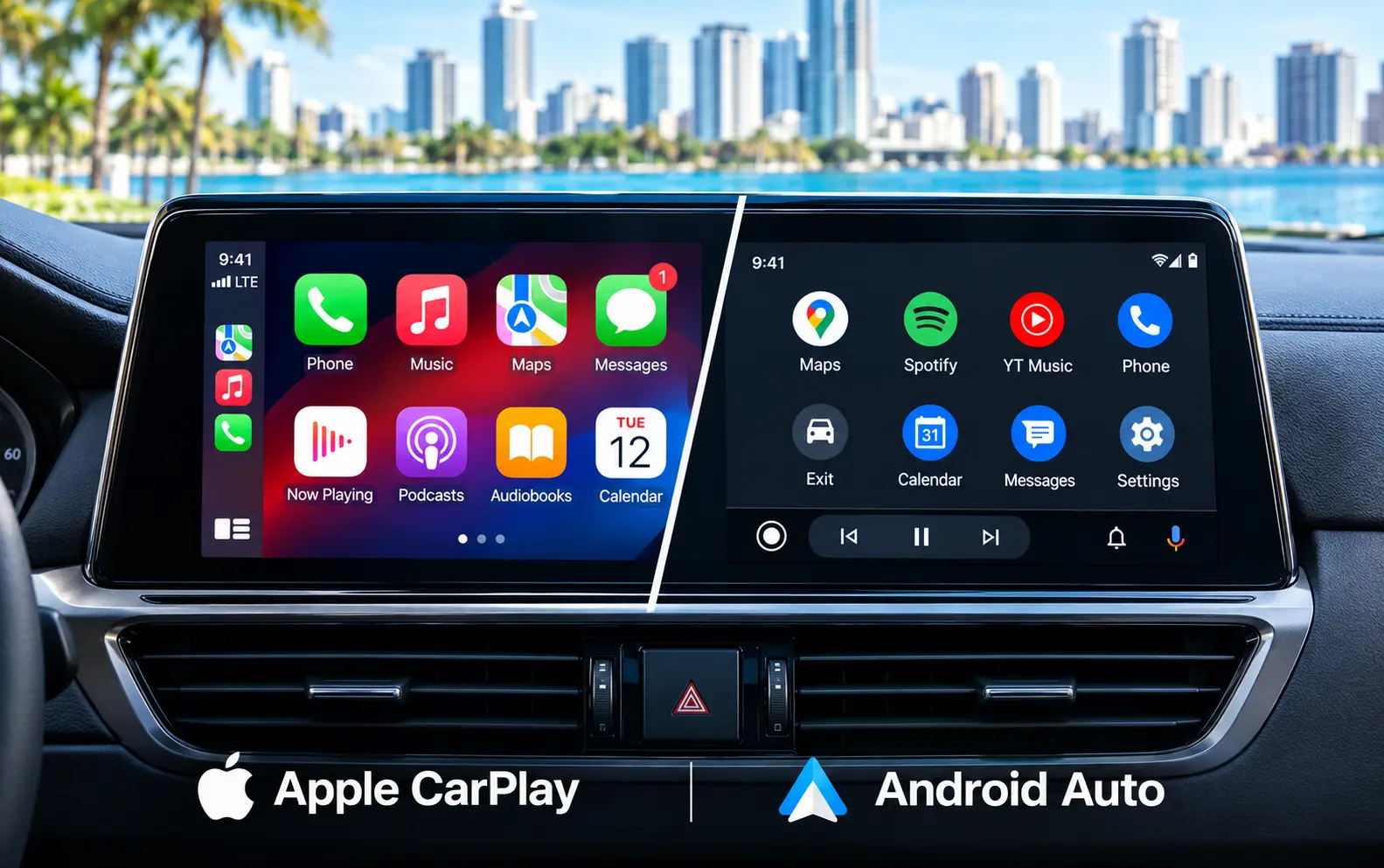
Apple CarPlay is a smartphone-integration system that displays selected iPhone apps on a vehicle’s infotainment screen. Instead of handling your phone directly, you can use the touchscreen, steering-wheel controls, or voice commands to access navigation, calls, messages, music, and other compatible features.
A CarPlay system for cars can make daily driving safer and more convenient because key smartphone functions appear on the vehicle’s built-in display. Drivers can ask Siri for directions, call a contact, listen to music, or send a message without repeatedly picking up their phone.
Android Auto provides a similar experience for Android users. Both systems are designed to help drivers stay connected while keeping their attention on the road.
Apple CarPlay vs. Android Auto
Which car play system is easier to use?
Apple CarPlay uses a layout that will feel familiar to iPhone users. Large icons, simple menus, and access to recently used apps make it relatively easy to navigate while the vehicle is stationary. Siri also allows drivers to control many functions with voice commands.
Android Auto uses a Google-focused interface with access to navigation, communication and media controls. Its layout may be especially convenient for drivers who already use Google Maps, Google Assistant and other Google services on their phones.
The better choice usually depends on the smartphone you already own and the apps you use most often.
The most important difference is smartphone compatibility:
Android Auto brings navigation, calls, text messages and music to a compatible vehicle display. A compatible Android phone, an active data plan and support for 5 GHz Wi-Fi may be required for wireless functionality.
CarPlay and Android Auto are not universal features on every used car. Compatibility depends on the vehicle’s model year, factory multimedia system, and whether the system supports wired or wireless connections.
How do CarPlay and Android Auto connect?
Both services may connect to a vehicle using a USB cable or a wireless connection. The exact process varies by vehicle, so it is a good idea to review the owner’s manual and confirm that the phone software is up-to-date.
A typical setup includes these steps:
- Turn on the vehicle and leave it parked.
- Plug the phone into the correct USB port if using a wired connection.
- Follow the prompts on the phone and infotainment screen.
- Accept the permissions requested by CarPlay and/or Android Auto.
- Select the system from the vehicle’s menu next time you drive to use it freely without extra settings.
Wireless connectivity can reduce cable clutter, but it may use more phone battery. It also requires compatible hardware in both the phone and the vehicle. If wireless pairing is unreliable, a high-quality USB cable is often the simplest solution.
When shopping for a pre-owned vehicle, ask whether the car offers wired/wireless Apple CarPlay or Android Auto. These terms are not interchangeable, and a vehicle that supports one system may not support the other.
Navigation, calls and messages
The Car Play system can provide turn-by-turn directions through compatible navigation apps. Apple Maps is the default navigation option in CarPlay, while Android Auto commonly uses Google Maps. Drivers may also be able to use approved third-party apps such as Waze, depending on the phone, vehicle, and installed software version.
Both systems support hands-free communication. You can use Siri or Google’s voice assistant to:
- Make or answer calls.
- Send and listen to text messages.
- Request directions.
- Change your route.
- Play music or podcasts.
- Check certain information without handling your phone.
Notifications generally appear on the infotainment screen, but the systems are designed to limit distractions. Some messages can be read aloud and answered by voice. Video playback is normally restricted while driving for safety reasons.
Music and entertainment features
A CarPlay system for cars can provide access to compatible music, podcast, and audiobook apps. Android Auto offers similar media options for Android smartphones. Drivers can use voice commands or steering-wheel controls to change tracks, pause playback, and select content.
- Android Auto and CarPlay are intended for audio-based entertainment while the vehicle is moving. Even when a system offers additional parked-vehicle features, drivers should never watch videos or interact with distracting content while driving.
- Sound quality depends more on the vehicle’s audio system, phone connection, and streaming service than on the vehicle's system. A used car with a premium factory audio system may provide a noticeable improvement over a basic stereo, even when both vehicles support the same smartphone platform.
Can an older car get CarPlay?
Some older vehicles do not include car play system from the manufacturer. In that situation, an aftermarket multimedia receiver may be available.
- Installation should be handled carefully because replacing the head unit can affect backup camera functions, steering wheel controls, microphone performance, and other vehicle settings.
- If a vehicle has no compatible factory system, a portable display or an aftermarket receiver may be an alternative. However, these products can differ in screen quality, installation requirements, and reliability.
Factory-installed smartphone connectivity is often the most convenient choice. At Autoland Jacksonville, you can ask about the infotainment features included with a specific used car before scheduling a test drive.
Find a used car with your favorite connectivity system
Android and Apple CarPlay systems can make navigation, communication, and music easier to manage from the driver’s seat. However, the available features may vary by vehicle, trim level, model year, and infotainment system.
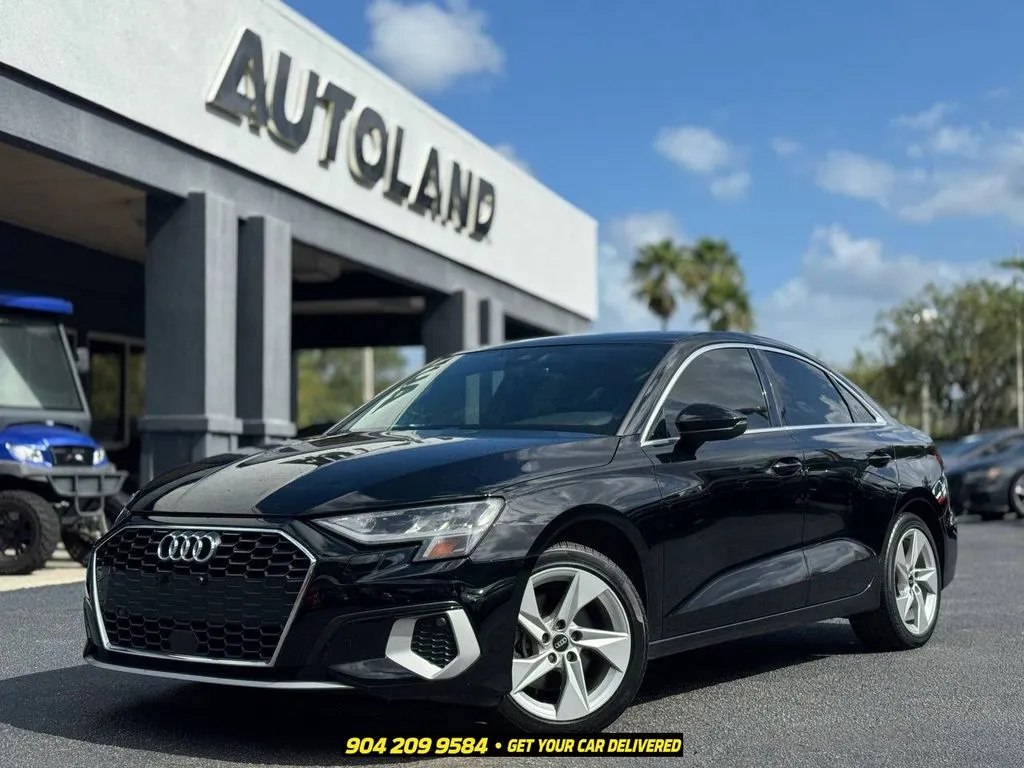
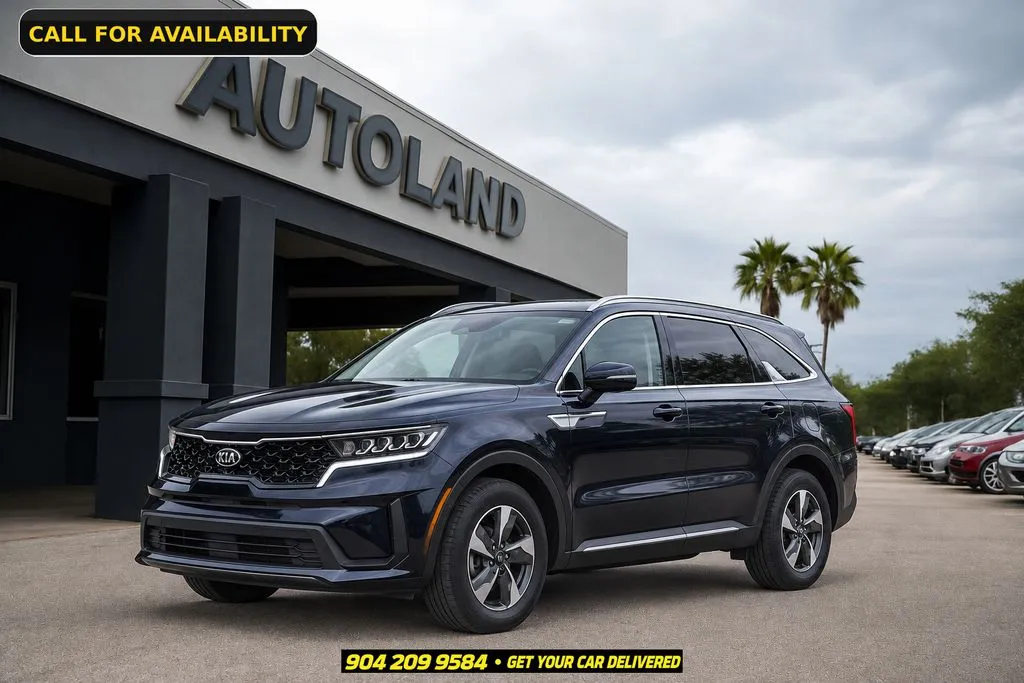
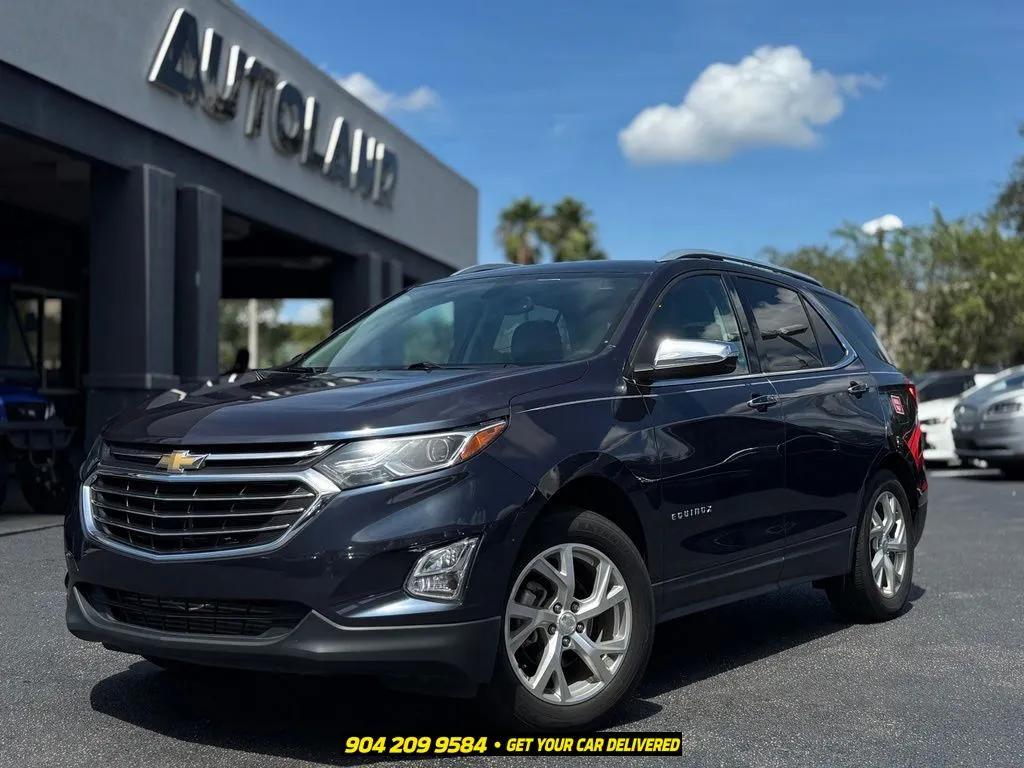
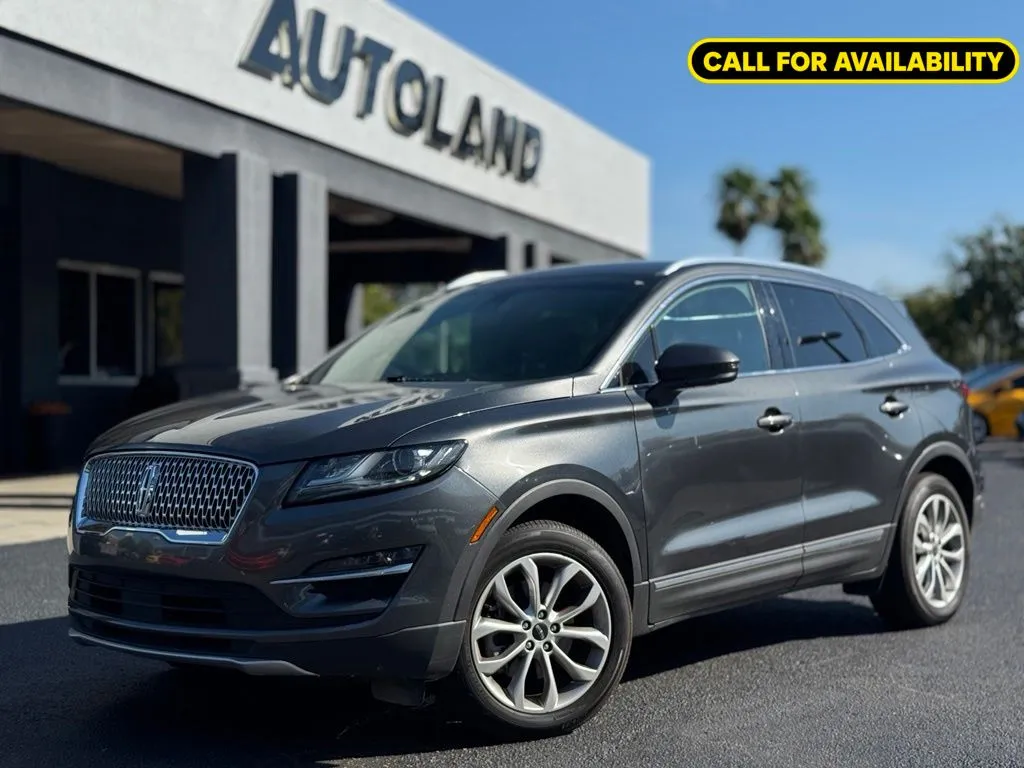
Check the pages below for a selection of Apple CarPlay and Android Auto vehicles, or contact our consultants at the Autoland Jax dealership for more information about available vehicles with Apple CarPlay, Android Auto, or other modern connectivity features. You can also visit our dealership at 8849 Arlington Expressway, Jacksonville, Florida, to explore the inventory and arrange a test drive